Woodstock, Georgia
Free shipping
Made in the USA
High Quality Locking System
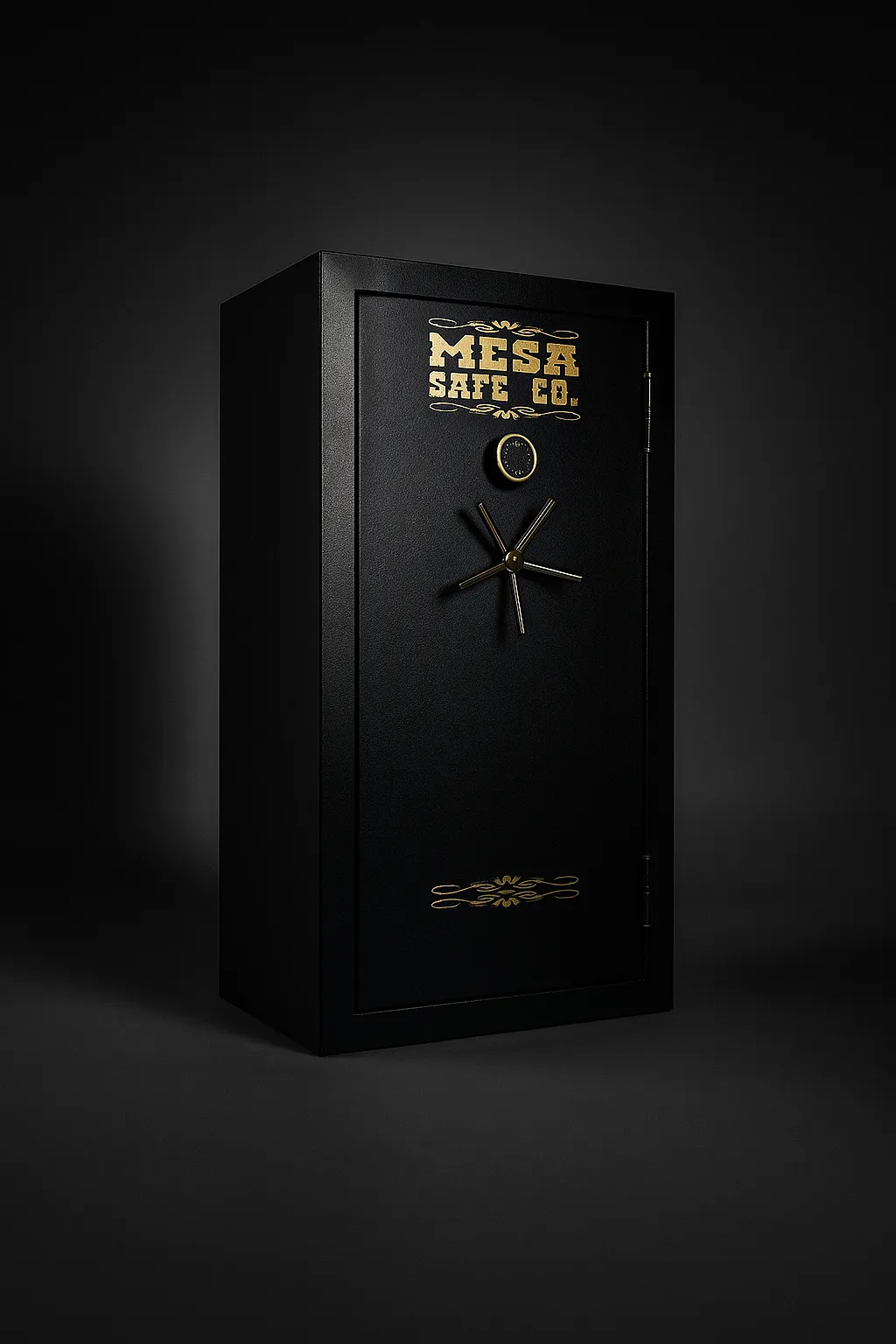
Top-tier burglary and fire safes - Woodstock, GA
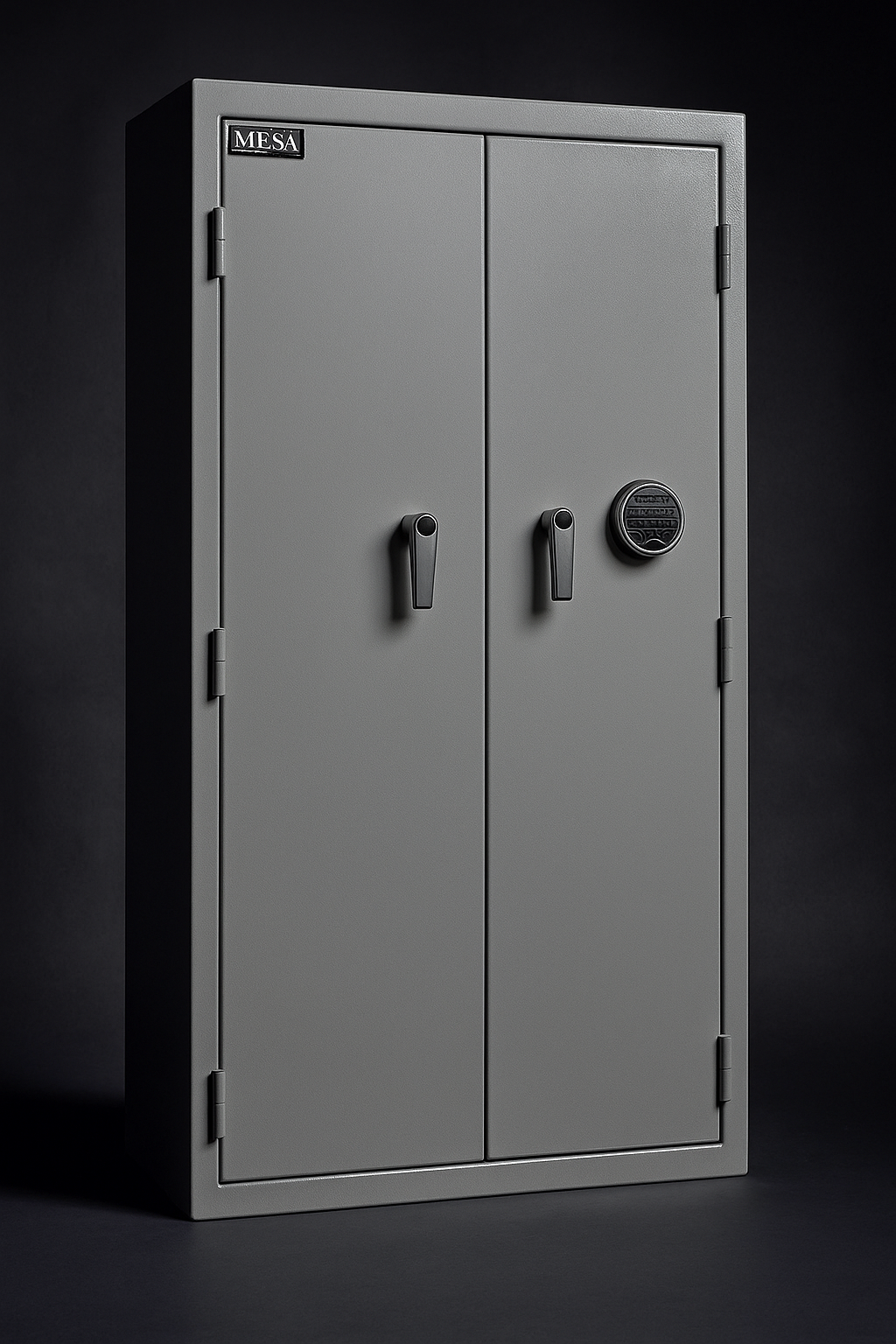
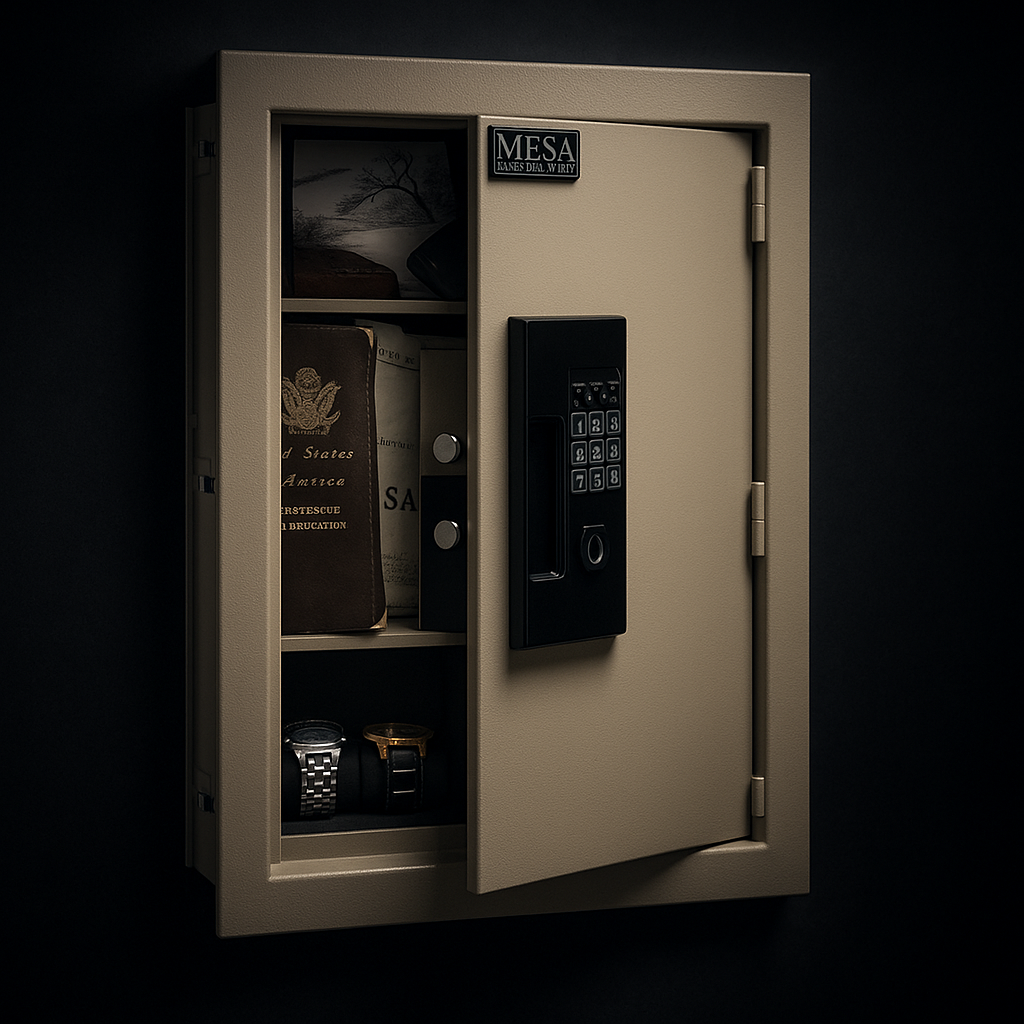
Protect your valuables and firearms with the MESA burglary & fire safe—the ultimate safeguard for Woodstock homeowners seeking high-quality security and fire protection.
Dual Protection: Combining burglary resistance with 1-hour fire protection at temperatures up to 1,750 °F
Rugged, Heavy-Duty Build
Fireproof gun safe
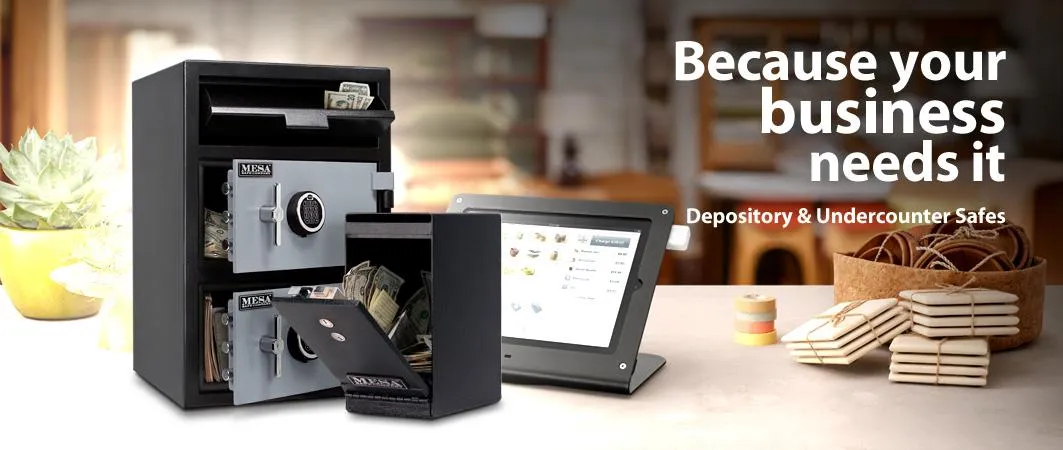

Solid steel construction
Offers burglary protection

SOLID STEEL LOCKING BOLTS
Fights against pry attacks

NEURO POSITIVE BLENDS
Lock protected by a hard plate

Fire protection
Factory tested

Pre-drilled anchor holes
Secures your safe

Pry resistant
All steel construction


Frequently Asked Questions
How Do I Use My Override Key?
Manual over ride keys are only available with electronic keypads on specific models. To access the key slot, you will first remove the faceplate of the keypad by peeling back the black oval Mesa emblem above the number 2 button and unscrewing the Phillip’s head screw. Once the screw is removed, pull back on the chrome/brass/gold lip depending on your keypad. This will reveal the key entry point for the skeleton key. Open the safe by turning the key a quarter turn to the left.
How to Change Battery With the MSL-5, MSL-50 and MSL-500?
Run your fingers along the underside of the keypad, you will feel a small plastic tab. Pull this downward until it completely detaches from the plastic mounting collar. This will allow access to the 9 volt battery housed inside. If you have trouble removing the battery through the access point under the keypad, please use the following method. Remove the faceplate of the keypad by peeling back the black oval Mesa emblem above the number 2 button and unscrewing the Phillip’s head screw. Once the screw is removed, pull back on the chrome/brass/gold lip depending on your keypad. We highly recommend the use of only a 9-volt Duracell battery.
What Do the Lights on the Keypad Mean?
Green will indicate full power and allow access to the safe. Yellow or Orange indicates the keypad is in lockout mode; leave the battery in and do not touch the keypad for 5 – 15 minutes depending on the model. This will allow the keypad to reset to your current code. The solid red light indicates a dead battery. One of the biggest misunderstandings is the Red and Green light blinking simultaneously. This will indicate the battery is running low; it may still have enough power to light up and beep but does not have enough power to retract the bolts.
Green - Full power, access granted
Yellow/Orange - Lock out mode
Red - Dead battery
Red & Green - Low battery (Flash Together)
When I Enter My Code I Get 5 Beeps and My Safe Won’t Open, Why?
5 beeps will indicate you have the wrong code or the battery is too low and cannot comprehend the entry. If you are sure the code is correct, please change to a fresh battery. We highly recommend the use of only a 9-volt Duracell battery into your lock and try again. Please contact our Technical support Department for assistance if issue persists.
How to Reset the Safe Code?
Unfortunately on some of our safes require a reset code or reset button to default the safe back to the original code. For your protection Mesa Safe verification of ownership before we can move forward such as notarized document and/or proof of purchase. Please have the completed Notary form mailed to Mesa Safes corporate office in Orange, CA. There is a $15.00 fee for override codes and combinations.
If My Battery Goes Dead, Will I Lose My Code?
No, a dead battery will not delete your code. The code will remain saved internally until the safe is powered up again. You will simply install a new battery and operate the lock in a normal manner.
Can I Convert a Mechanical Dial to Electronic or Vice Versa?
Yes, Mesa Safe highly recommends contacting a licensed locksmith to perform this service for you. If anyone other than an approved locksmith makes any adjustments to your safe before your 1 year warranty expires on your locking mechanism, your warranty will be null and void.
Combination for Combo Dial No Longer Works...
Try numbers up and down, up to five numbers. Ex: 5, 10, 15 – 6, 11, 16 or 4, 9, 14.
Where are the Handles of My Safe?
The handles are inside of the safe in a plastic bag. This Bag also contains the Floor plugs and shelf clips.
How Do I Open the Safe if the Handles are in the Inside?
To open the safe, we recommend putting a Phillips-Head screwdriver into one of the holes of the hub and Put in the code then turn it to the left. When you hear 2 beeps your safe will open.
Where is the Serial Number to My Safe?
Most safe serial numbers can be found on the front of the door on the bottom right hand side by the hinge. Some serials may also be located on right side of the safe or top left on the front of the safe.
What Kind of Battery Should I Use?
We recommend using a Duracell or Energizer battery with an expiration date of five years in the future. This will ensure optimal lock performance.